
LightMaster Nautical Training and Software
Enhancing your safety and enjoyment afloat
Vessel & Buoy Lights
Training Simulator
Additional Information
All sea-going vesels are obliged to conform to the International Regulations for Preventing Collision at Sea (IRPCS or Col Regs).
In order comply with the rules, you need to identify size, nature of duty and current direction of travel of any vessels around you.
Many vessels are required to display “shapes” during the day, which signify their nature and hence where they are in the “hierarchy” of give way rules. At night all vessels will need to display specific patterns of lights to fulfil these rules.
The Lights Simulator brings this often dull topic to life, making it much easier and more fun to learn. Col Regs are a significant part of many skippering courses & exams. The Simulator is great help.
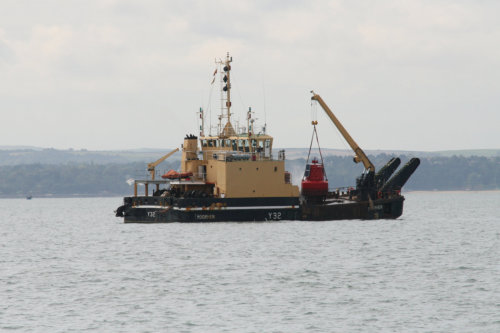
Vessel Simulator shows lights from every angle
You select vessel types and activities to view
You learn relationships between lights and how they reveal the aspect and if the vessel is turning
The Simulators also display any type of navigation mark, by day or night. Learn shape, colour & lights
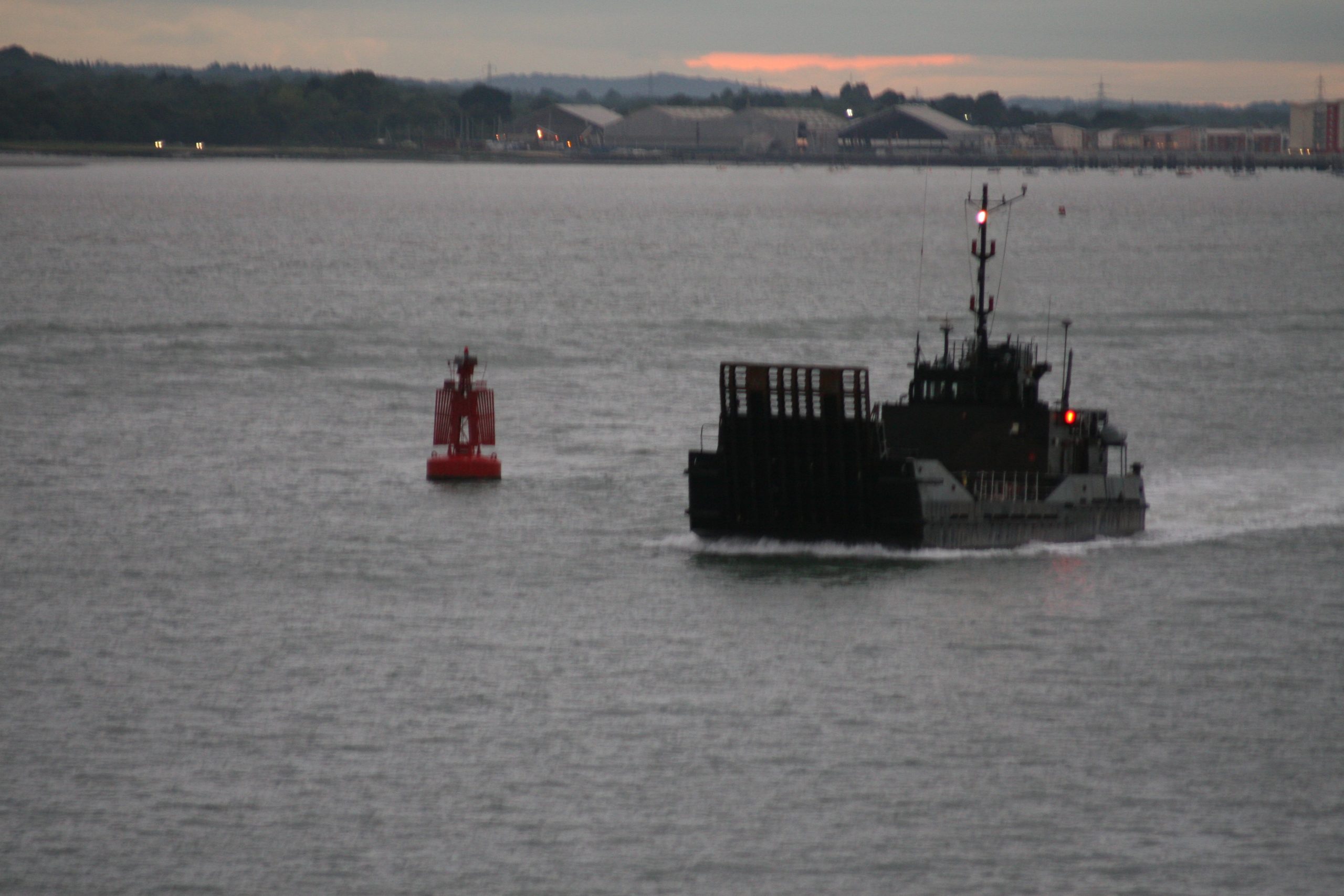
Vessel Lights
All Vessels – Under Way: At night, all vessels show port (red) and starboard (green) lights and a white sternlight
Additional Lights : In addition to the above, many vessels carry other lights or shapes
Sailing Vessel: Under sail, as all vessels. If engine in use, also as power-driven
Power Driven – Under Way: At night, power-driven vessels display white masthead lights
Long Vessels : Power-driven vessels over 50m also carry a second, lower, light forward
Restricted by Draft : By day, a vertical cylinder; by night, 3 red lights in vertical line
Restricted Ability to Manoeuvre : By day, ball-diamond-ball; by night, red-white-red
Vessel at Anchor : By day, a black ball at the bow; at night, single white light in the bow
Not Under Command : By day, two balls; by night, two red lights. In vertical line
Trawler : By day, two black cones point to point; by night, green over white lights
Other Fishing : By day, two black cones point to point; by night, red over white lights
Towing : Depends on length of tow. By day, diamond shapes; yellow above sternlight
Aground : Day, three balls; night, 2 reds at masthead, plus anchor light
Minesweeper : Day, 3 balls; by night, 3 green lights. In triangular formation.
Diver Down : by day, Rigid flag “A”. White + blue, fishtail shape
Sailing Vessel : Select, confirm or accept the current option or input
Length of Vessel : Most vessels carry a 2nd white light if over 50m
Small Sailing Yacht : Under 20m length, can combine port, starboard and stern light in single masthead fitting. Known as a tricolour
Tug and Tow : Different combinations of lights for tug and tow, depending on lengths
This listing is not exhaustive. The Simulator displays all the many combinations of lights which depend on length, nature of duties and more.
I.A.L.A. Buoys and Beacons
Lateral – Port Hand : Cone-shaped, green. Green light varied flashing patterns
Lateral – Starboard Hand : Can-shaped, red. Red light varied flashing patterns
Cardinal Buoys : Yellow and Black colour. Pillar Shape. Topmark 2 cones. Light White
– North : Black – Yellow. Two cones points up. Continuous flashing white
– South : Yellow – Black. Two cones points down. 6 flash + long flash
– East : Black -Yellow – Black. Two cones points apart. 3 flashes white
– West : Yellow – Black – Yellow. Two cones points together
Isolated Danger Mark : Pillar shape Red – Black – Red – Black. 2 balls. Flash 2 white
Safe Water Mark : Sphere or Pillar. Red – White – Red. One black ball. Isophase White
Wreck Buoy : Pillar. Yellow – Blue – Yellow. Cross topmark. Alternating Blue-Yellow light
Preferred Channel : Red and Green body. Red or Green topmark. Red or Green Flash
Flashing Patterns
Flashing : The On periods is shorter than the Off periods
Occulting : The Off periods are shorter than the On periods
Isophase : The On and Off periods are the same as each other
Group Flashing : More than one flash, then a longer Off period
Period : The duration of one full cycle of the pattern ( in seconds)
Speed : Quick = 1 per second Very Quick = 2 per second Ultra Quick = 3 per second
The descriptions above are condensed. Full details of all the buoys and their uses are supplied in the Buoys Tutor and Simulator
LightMaster Vessel & Buoy Simulator
Sector / Directional Lights
Lighthouses
IALA Region A
Transits
International Association of Lighthouse Authorities
IALA Region B
Licences
Software Licence Types & Conditions

Individual Licence
- Issued for personal study by one named individual
- Non-Transferrable
- Only the named individual or immediate family at same address to use it
- Not valid for any other person to use
- Can be used on more than one PC, but only for use by the one licensed person
- NOT valid for use on classroom PCs
- NOT valid for teaching any other person
Software Licensing
You do not buy or own the software. You buy a licence or licences, which permit you to use the program in either a personal or a shared-use capacity.
An instructor may purchase a Personal Licence to learn the subject, or evaluate the best way to structure their teaching. They must be in possession of a Professional Licence before using the software to provide access to any other person.
The software is provided with no time limit on use, unless it is provided as an evaluation copy, with a time limit. You may continue to use the software on the licensed PCs for so long as they are running compatible versions of Windows. We cannot guarantee to provide updates if future OS changes prevent them from working.
Software Pricing
Personal Radar Simulator £70 GBP
Professional Radar per PC £495 GBP
More than 2 Pro Licences – Call for Best Quote

Professional Licence
- Issued for one PC per licence
- Non-Transferrable
- Can be used for
- a succession of different students
- Can be used under different tutors at one location
- Can be used by one tutor at different locations but only one PC per licence
- Is valid for use on classroom PCs
- Is valid for teaching any other person
Talk With an Expert to Choose the Best Software for You!
If you are not quite sure which Licence or Program is best for your intended use, just call or email us. Details are on the Contact page.
What They’re Saying
Customer Testimonials
I was always a bit nervous using the VHF radio when told to. I took an online course, but was never confident of pressing the right buttons. After the hands-on practice sessions at home, I now well prepared to take my SRC examination
I am pleased to recommend the LightMaster VHF software. Thanks to the step-by-step video tutorials, followed by real practice repeating each operation until it was second nature, I now find it as easy to use the radio as my mobile
After my great experience using the Radar Simulator, it was a no-brainer to polish up my radio operation using their VHF Simulator. The physical operation of the radio is so well ingrained, I only need think about what to say
Boost Your Confidence
Join thousands of other leisure and commercial seafarers with LightMaster Simulators
There’s no better way to gain such valuable experience, so quickly and in complete safety